


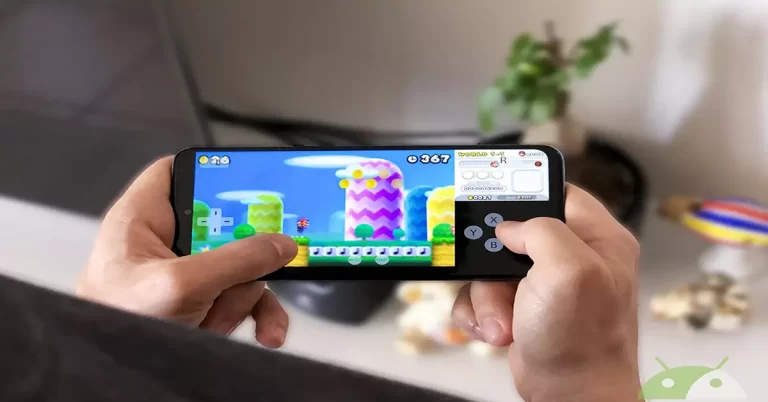
This article will explain how to install Citra 3DS Emulator on Android devices. Using the Citra 3DS Emulator, you can enjoy your favorite 3DS games on mobile devices. A few years ago, we had to have a console at home to play our favorite games, but nowadays, with the performance and power of our smartphones, we can enjoy them anywhere.
In the previous article, Install Citra 3DS Emulator on Windows
The steps below will guide you through downloading and installing the Citra 3DS Emulator on your Android phone. You can download the Citra 3DS Emulation app from the Google Play Store.
Install Citra 3DS Emulator on Android
Open your Google Play store, type Citra Emulator in the search bar, and then click on the install button to install the Citra app player.

The Citra 3DS emulators is starting to download.

Select the open button to start the Citra emulator 3DS on your Android device.

Once you open the Citra app in our terminal, This will open up a notice that we need to accept, which points out to you that this app will run games for the Nintendo 3DS handheld game console. Before you start the 3ds citra emulator, please place your 3DS gaming onto your Android device’s storage, and then you can play them. Select ok

One more small window will open in which we must select allow to give the application access to the files on our device.

Select the folder of our Android device in which you have stored the ROMs of the Nintendo 3DS games.
Choose the option that is visible at the bottom of the application with the title Select game folder. So click on the game we want to run from among all those that you have on our list by pressing on him. Then you have to wait for the game to load and then play it to enjoy it.

If you would like to know if a specific game on this console can be played in Citra 3DS Android Emulator, where you can find the list of Compatible 3D Games.
Related: Add Games in Citra 3DS Emulator
Related: Your ROM is Encrypted Error


